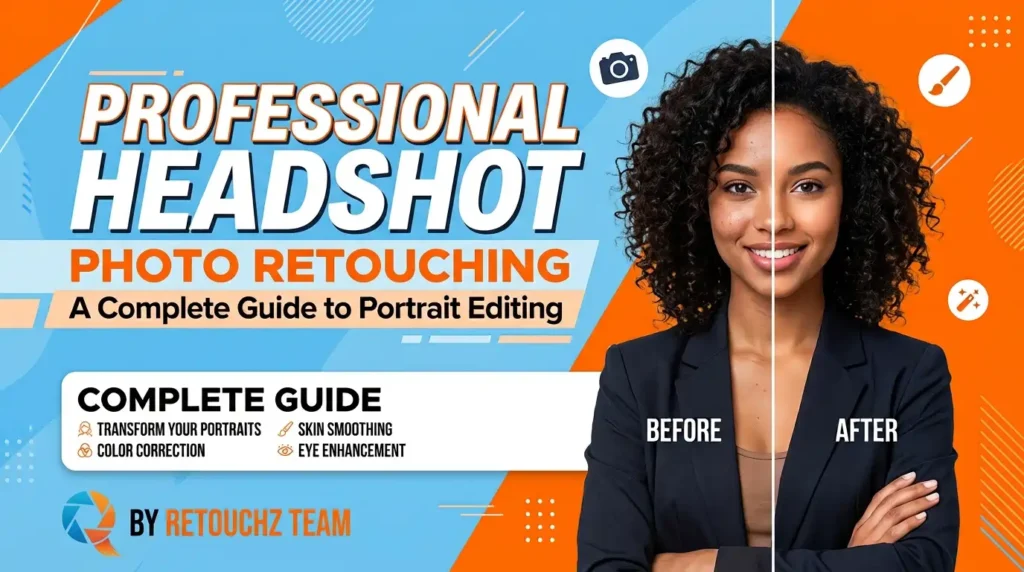
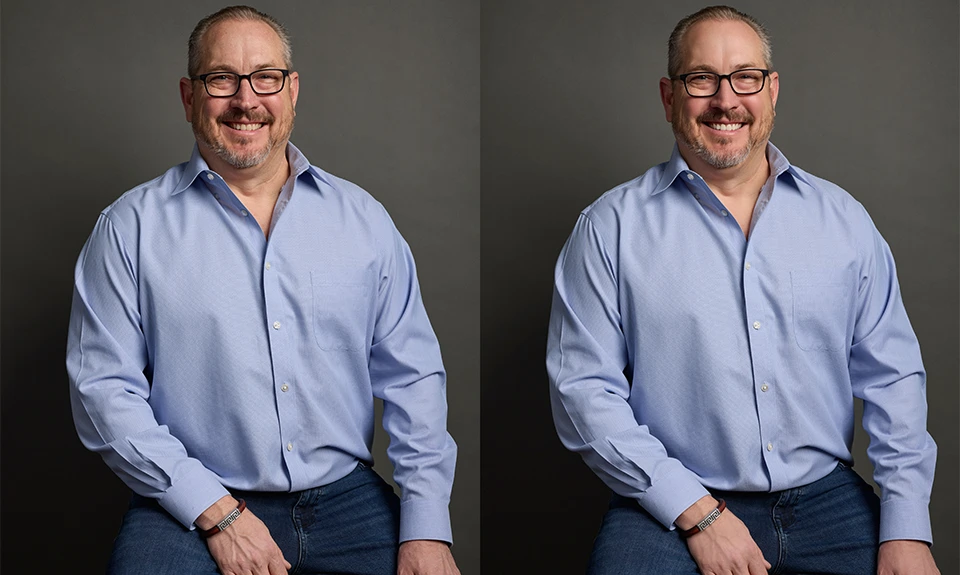
A good headshot can say a lot about a person before they even speak. It creates a first impression and helps build a professional image. But even a well-taken photo may need a few improvements before it is ready to use.
This is where headshot photo retouching comes in. Professional retouching can clean up small distractions while keeping the person looking natural. Skin, lighting, colors, hair, and other details can all be refined with care. Not sure which headshot retouching service to choose? It’s worth taking a moment to compare their work, experience, prices, and turnaround time. These simple checks can help you find a retouching team that fits your needs.
10 Things to Check Before Choosing a Headshot Retouching Service
Choosing a retouching company is not only about finding a low price. A well-edited final image can instantly make your headshot look more professional and appealing.
Here are some key factors to check.
1. Portfolio
Start by looking at the provider’s portfolio. Check their previous headshot retouching work.
Look closely at the skin, eyes, hair, lighting, and overall finish. Looking through their portfolio gives you a good idea of the kind of work they do.
2. Retouching Experience
Experience matters when working with portraits. An experienced retoucher knows how to improve an image without making the face look artificial.
They can handle small details while keeping the person’s natural appearance.
3. Natural Results
Good retouching should not make someone look like a different person. The final image should still look real.
Avoid services that make skin too smooth or remove every natural feature from the face.
4. Communication
Clear communication makes the editing process easier. You may have specific instructions for skin, hair, background, or lighting.
A responsive retouching team should understand your requirements and follow them carefully.
5. Turnaround Time
Time can be important when you need headshots for a website, profile, company page, or upcoming event.
Before placing an order, ask how long the editing will take. Choose a provider that can deliver your edited headshots on time, especially when you’re working with a tight schedule.
6. Editing Quality
Always check the small details. Look at the skin texture, hair edges, eyes, teeth, clothing, and background.
Small details like these can really change the way the final headshot looks.
7. Consistent Editing
If you have several headshots, consistency is important. The photos should have a similar look and finish.
This is especially useful for company teams, websites, LinkedIn profiles, and professional portfolios.
8. Pricing
Compare prices before choosing a service. Choosing the lowest-priced option does not always guarantee the quality you need.
Look at the editing quality and services included with the price. Choose a provider that makes every dollar count.
9. Sample or Trial
If possible, ask for a sample edit before sending a large batch.
A sample lets you see how the retoucher handles your photos. It also lets you see if their style is the right fit for your needs.
10. Bulk Order Support
Do you have dozens or hundreds of headshots? Then make sure the service can handle bulk orders.
Great teams don’t sacrifice quality when the workload grows.
What Is Included in Headshot Photo Retouching?
Headshot retouching can include different types of editing. Every photo calls for a different approach based on your needs.
Here are some popular services to consider:
1. Skin Retouching
Small skin imperfections can distract from an otherwise good portrait.
Skilled retouching can clear away temporary imperfections without making the skin look unnatural.
2. Wrinkle Reduction
Wrinkles can be softened when needed. The goal is natural-looking skin, not perfectly line-free skin.
A skilled retoucher keeps the face natural while giving the image a cleaner appearance.
3. Teeth Whitening
Teeth can sometimes look dull because of lighting or camera settings.
Subtle whitening can make the smile look fresher without making it appear unnatural.
4. Eye Enhancement
The eyes are an important part of any headshot.
Retouching can improve brightness, clarity, and small distractions around the eyes while keeping their natural appearance.
5. Hair Retouching
Loose hairs and small distractions can affect a clean professional portrait.
Hair retouching can tidy these areas and improve the overall appearance of the headshot.
6. Color Correction
Lighting can affect skin tones and clothing colors.
Color correction helps create a balanced and natural look. It can also make a group of headshots look more consistent.
7. Background Cleanup
A busy background can take attention away from the person.
Retouchers can remove unwanted distractions or create a cleaner background that keeps the focus on the subject.
8. Clothing Cleanup
Wrinkles, lint, dust, and small marks on clothing can be cleaned up during editing.
This creates a polished, professional look that leaves a strong impression.
9. Lighting Adjustment
Uneven lighting can make a portrait look flat or unbalanced.
Careful editing can improve brightness, contrast, and shadows while keeping the original look of the photograph.
10. High-End Portrait Retouching
Some professional headshots need more detailed editing.
High-end retouching focuses on fine details such as skin texture, hair, facial features, lighting, and overall image quality.
Why Is Headshot Photo Retouching Important?
Your headshot often represents you online. It may appear on a company website, LinkedIn profile, social media account, portfolio, or professional profile.
A poorly edited photo can look distracting or unprofessional. On the other hand, a clean and natural headshot can create a stronger first impression.
Professional headshot retouching enhances the image while preserving the person’s authentic identity. It brings attention to the right details and gives the photo a polished finish.
The key is balance. Too little editing may leave distracting elements behind. Too much editing can make the person look unnatural.
Where Can You Use Retouched Headshots?
Retouched headshots can be useful in many situations.
⦁ LinkedIn profiles
⦁ Company websites
⦁ Employee profiles
⦁ Business headshot retouching
⦁ Professional portfolios
⦁ Social media profiles
⦁ Acting portfolios
⦁ Modeling portfolios
⦁ Corporate presentations
⦁ Personal branding
Each platform may have different image requirements. A professional bulk headshot retouching can help prepare the image for its intended use.
Popular Headshot Retouching Styles
Different people prefer different editing styles.
Here are a few common approaches:
Natural Retouching:
This style keeps the person’s real appearance. Small imperfections are cleaned up, but natural skin texture remains visible.
It is a good choice for corporate and professional headshots.
Clean Professional Look:
This style gives the image a polished finish. Skin, hair, clothing, and background are carefully cleaned up.
The result looks professional without being heavily edited.
High-End Retouching:
High-end retouching focuses on very small details. It may include detailed skin work, hair cleanup, lighting adjustments, and precise color correction.
This approach is ideal for giving images a refined, high-end finish.
Black and White:
A black-and-white headshot can give a portrait a classic and timeless feel.
It works particularly well when the focus should remain on facial expression and features.
How to Retouch a Professional Headshot
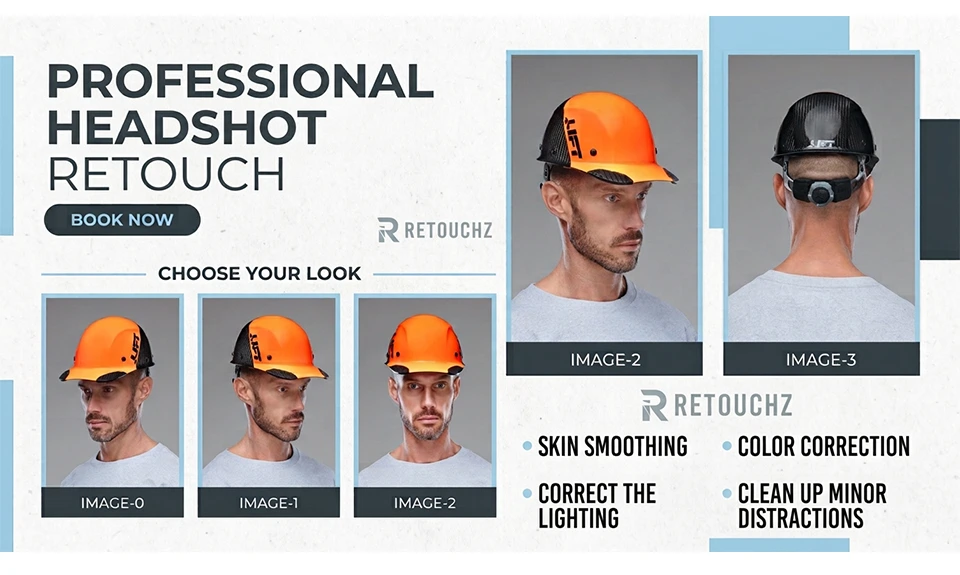
Retouching a headshot works best when you follow a clear process. Focus your editing on the most noticeable areas first. Then make smaller adjustments to improve the overall image.
1. Start With the Original Photo
Always work on a high-quality original file when possible. A RAW file gives you more control during editing. You can create a duplicate layer before ultimate changes. This help you to keeps the original image safe.
2. Correct the Lighting
Begin by checking the exposure and brightness. Adjust shadows and highlights if needed. Keep the face clear and naturally lit. Balanced lighting gives the headshot a more polished appearance.
3. Clean Up Minor Distractions
Next, remove temporary marks and unwanted distractions. Use careful headshot photo editing to clean the face without removing natural features. Avoid making the skin look overly smooth.
4. Refine the Skin
Use light skin retouching to improve uneven areas. Keep pores and natural skin texture visible. The aim is to make the skin look fresh, not artificial.
5. Improve Facial Details
Make small adjustments to important facial features. You can gently enhance the eyes and soften distracting shadows. Avoid changing the person’s natural face shape or features.
6. Tidy the Hair
Remove only the hairs that look out of place. Good hair retouching should look clean but still natural.
7. Adjust Colors
Correct the white balance and overall color tone. Make sure the skin color looks realistic. Color correction can also help create a consistent look across a series of headshots.
8. Clean the Background
Look around the subject for unwanted objects or marks. Remove distractions that draw attention away from the face. Keep the background simple and professional.
9. Make a Final Check
Zoom out and view the entire image before finishing. Check the skin, eyes, hair, colors, and background. If the retouching is too obvious, reduce the adjustments.
The final goal of professional headshot editing is simple. The person should look polished, confident, and natural. The editing should improve the photo without making it look heavily retouched.
Common Mistakes in Headshot Photo Editing
Good professional headshot retouching can make a photo look polished and natural. Over-editing can make a photo look unnatural.
Here are common mistakes to avoid.
1. Over-Smoothing the Skin
One of the most common mistakes is making the skin too smooth. Heavy editing can remove natural texture and make the face look artificial.
How to avoid it: Keep some natural skin texture visible. Remove temporary blemishes without erasing every small detail.
2. Changing Natural Facial Features
Some editors make major changes to the face. They may reshape the nose, jaw, eyes, or other features.
How to avoid it: Keep facial adjustments subtle. Good professional headshot editing should improve the image while keeping the person recognizable.
3. Making the Face Too Bright
Too much brightness can remove facial details. It can also make the skin look washed out. How to avoid it: Adjust exposure carefully. Keep the face clear while preserving natural highlights and shadows.
4. Using Too Much Sharpening
Excessive sharpening can create harsh edges. It can also make skin imperfections more noticeable.
How to avoid it: Use sharpening lightly. Check the image at normal size before exporting.
5. Ignoring Natural Skin Tones
Poor color adjustments can make the skin look too red, yellow, pale, or gray. This can reduce the quality of the entire image.
How to avoid it: Keep skin tones natural. Use careful color correction instead of strong color effects.
6. Removing Every Wrinkle
Wrinkles are a natural part of someone’s appearance. Removing them completely can make the subject look unrealistic.
How to avoid it: Soften distracting lines instead of removing them entirely. This keeps the result natural.
7. Forgetting Stray Hairs
Small stray hairs can become very noticeable against a plain background. They can make an otherwise finished image look untidy.
How to avoid it: Check around the hairline and shoulders before completing the image.
8. Making the Background Look Artificial
An overly edited background can make the subject look separated from the scene. This is especially noticeable when the edges are too sharp.
How to avoid it: Remove distracting elements while keeping the background clean and believable.
9. Using the Same Editing on Every Photo
Every photo can have different lighting, colors, and skin tones. Applying exactly the same settings to every image may create inconsistent results.
How to avoid it: Review each photo individually. Adjust the editing based on the subject and lighting conditions.
10. Ignoring the Purpose of the Headshot
A headshot for LinkedIn may need a different look from an actor’s portfolio or a corporate website. The editing should match how the image will be used.
How to avoid it: Consider the final purpose before editing. For professional profiles, keep the result clean and authentic. For creative work, a little more stylistic editing may be appropriate.
11. Final Quality Check
Always review the finished image before delivery. Look for unnatural skin, harsh edges, uneven colors, and missed distractions.
If you need headshot retouching services, choose an editing approach that keeps the final image realistic. Professional retouching should enhance the photograph while maintaining the subject’s authentic appearance and recognizable identity.
Final Thoughts
A professional headshot does not need heavy editing to look good. Sometimes, a few small changes can make a big difference.
Headshot photo retouching can remove distractions, improve image quality, and give your portrait a polished appearance. The goal is a refined image that still feels completely natural.
When choosing a retouching service, look at their portfolio, editing quality, communication, turnaround time, pricing, and ability to handle your requirements. Good retouching should make you look your best while still looking like yourself.
FAQ
1. What are headshot retouching services?
Headshot retouching services improve portraits with natural skin cleanup, color correction, and detail enhancement.
2. What does professional headshot editing include?
It can include blemish removal, wrinkle reduction, hair cleanup, lighting adjustments, and background editing.
3. Can portrait retouching keep my photo looking natural?
Yes. Good portrait retouching improves the image without changing your natural features.
4. Can you clean up blemishes in a professional headshot?
Yes. Temporary spots and minor imperfections can be carefully removed.
5. Can headshot retouching soften wrinkles?
Yes. Wrinkles can be reduced while keeping realistic skin texture and facial expression.
6. Is professional headshot editing useful for LinkedIn?
Yes. It gives you a polished, professional-looking image that works well for LinkedIn and other business profiles.
7. Can headshot retouching services change the background?
Yes. The background can be cleaned, replaced, or adjusted to match your needs.
8. What is high-end portrait retouching?
It involves detailed skin, facial, hair, lighting, and color adjustments for a refined finish.
9. Can you edit multiple headshots in the same style?
Yes. Consistent editing helps create a matching look across a complete set of portraits.
10. How do I choose the right headshot retouching service?
Check the portfolio, editing quality, turnaround time, pricing, and client feedback.
11. Is headshot retouching useful for business and corporate photos?
Yes. Business and corporate headshot retouching can create clean, consistent portraits for websites, LinkedIn profiles, and employee pages.